NDI® Multiviewer · iPhone · iPad · Mac
NDI MViewer finds every NDI® source on your network and puts it on a broadcast-grade multiview grid — program tiles at full bandwidth, previews kept lightweight, VU meters on every box. Tap any tile for a full-screen, full-resolution monitor. Native on iPhone, iPad and Mac.
Free single-source monitoring. One purchase across iPhone, iPad and Mac.
What it does
Built for engineers, TDs and camera operators who need eyes on every feed — in the truck, backstage, or from the couch during rehearsal.
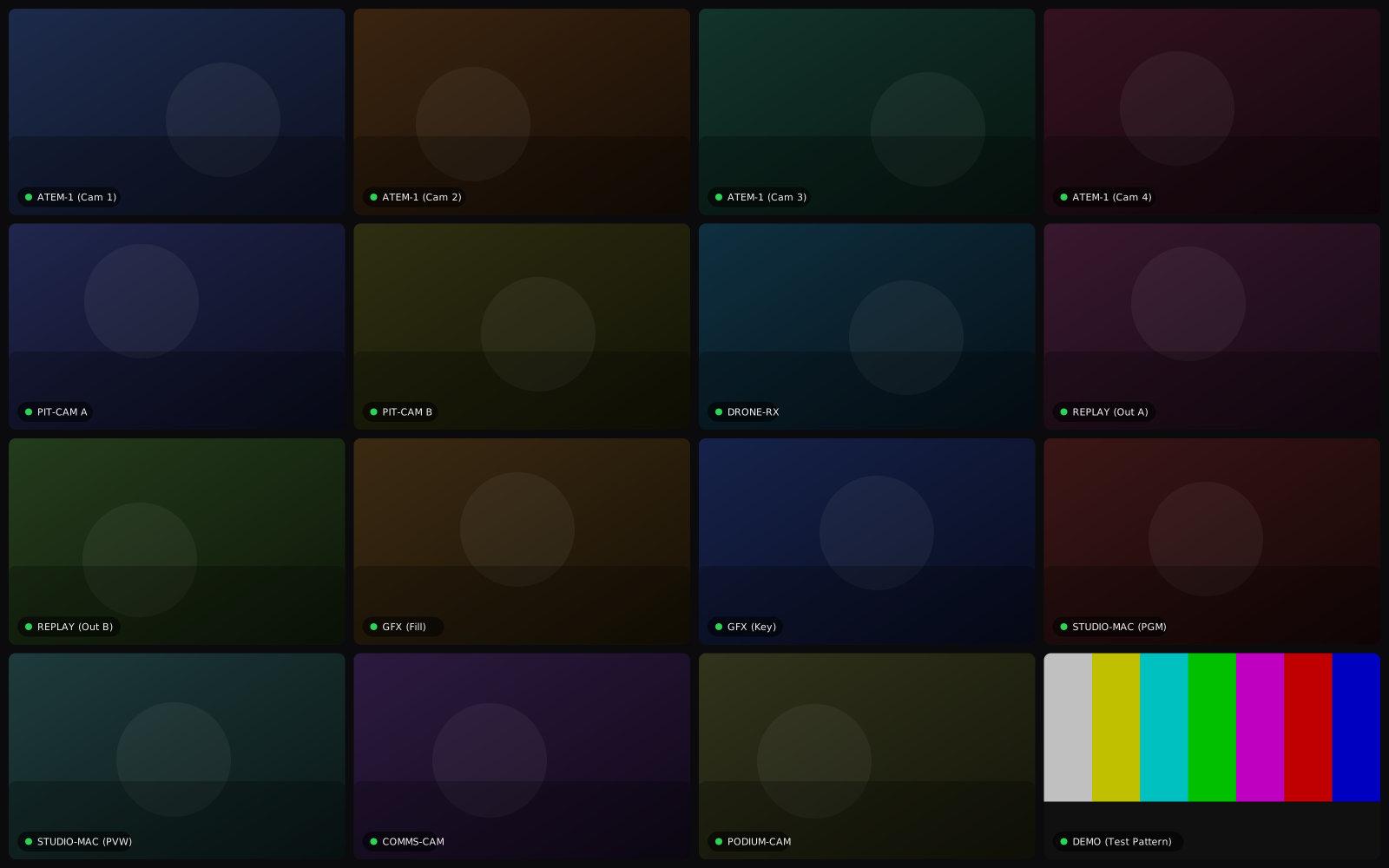
Four layouts, from a quick 2×2 to a 16-source wall.
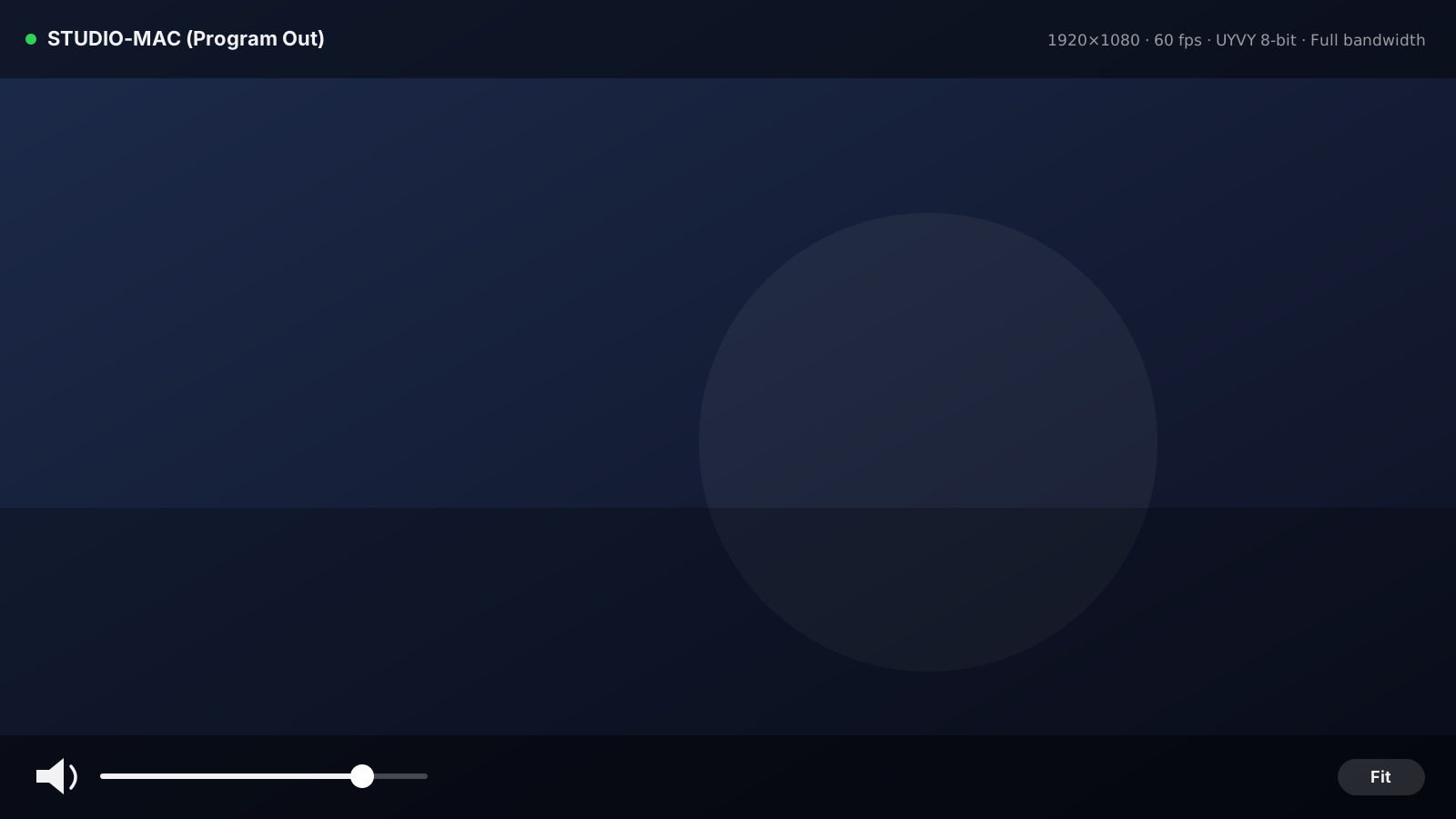
Any tile becomes a full-resolution confidence monitor.
Meter every source at a glance — listen when it matters.
On the studio LAN or a managed broadcast network.
Multiview
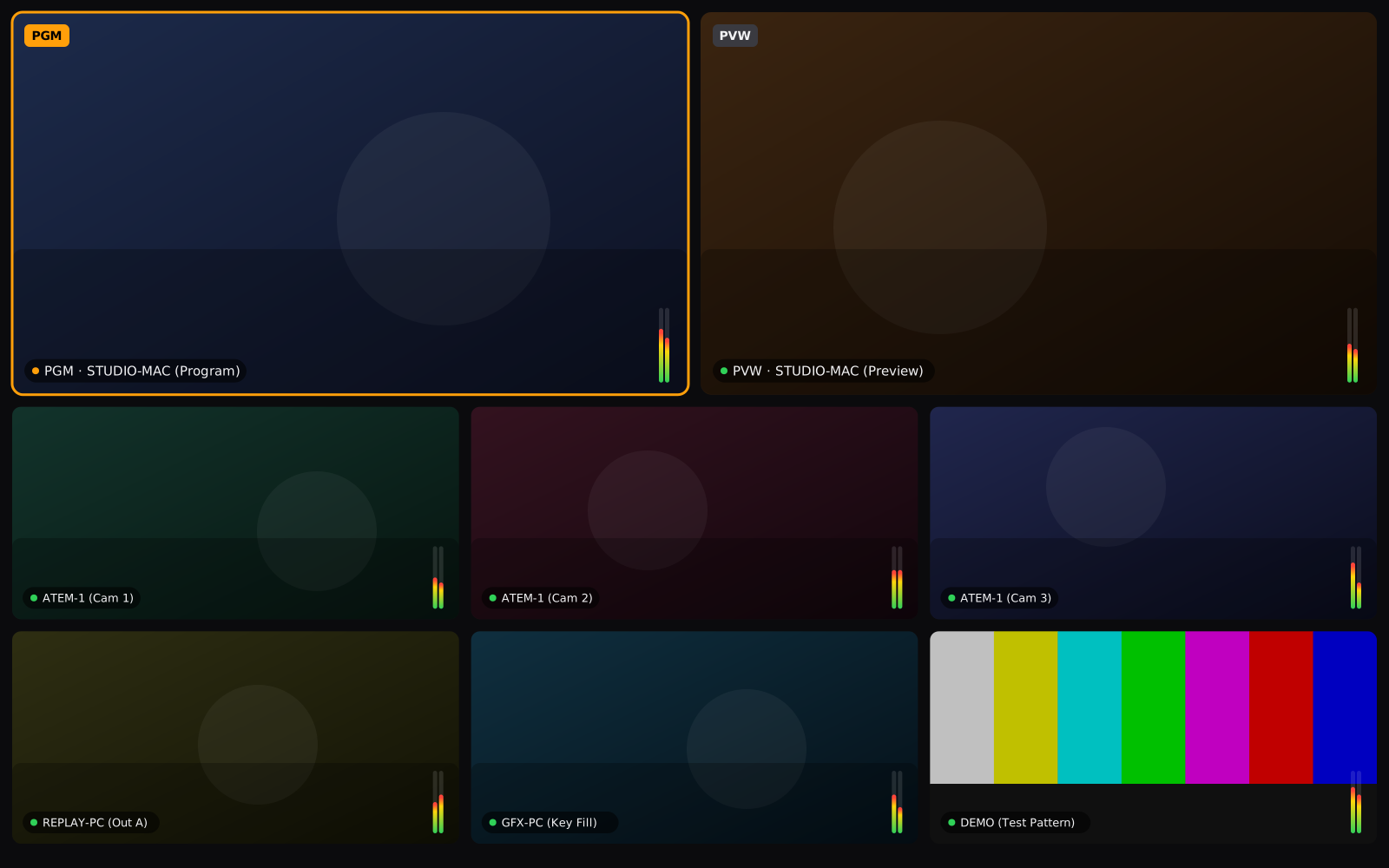
The 2 + 6 layout mirrors a real production switcher: program and preview at full bandwidth on top, six efficient preview tiles below. Or go uniform — up to 4×4 with sixteen sources live on one screen.
Single-source monitor
Tap any tile — or pick a source straight from the browser — and get a full-screen, full-bandwidth monitor with the numbers an engineer actually wants: resolution, measured frame rate and pixel format, live.
Under the hood
No web wrapper, no transcode tricks. NDI MViewer is built on the official NDI® SDK with a GPU pipeline written in Metal — including 16-bit pipelines for sources that send more than 8 bits.
Platforms
The confidence monitor that's already in your pocket. iOS 16 or later.
A proper multiview surface for the truck, FOH or the producer's desk. All orientations.
Multiview plus floating monitor windows — one resizable window per source (Pro). macOS 13+, Apple silicon & Intel.
One App Store purchase unlocks Pro on every platform — Universal Purchase, one subscription for iPhone, iPad and Mac.
Pricing
Everything you need to check a feed.
For productions that live on the multiview.
Price shown for the German storefront; the App Store sets the exact price for your region. The subscription auto-renews monthly until cancelled — manage or cancel anytime in your App Store account settings. Single-source monitoring stays free either way.
Who builds this
NDI MViewer comes from the team at RMH Digital / Racespot Media House — broadcast engineers behind 400+ live productions a year for names like Porsche, BMW and iRacing. We built the monitor we wanted on our own shows.
FAQ
NDI (Network Device Interface) is the de-facto standard for sending broadcast-quality video over ordinary networks. Cameras, switchers, graphics systems and tools like OBS can all output NDI — and NDI MViewer shows those streams on your Apple devices.
NDI MViewer is built on the official NDI® SDK and receives standard NDI streams on your network. It decodes 8-bit and 16-bit 4:2:2 formats (UYVY, P216) as well as RGBA — including alpha variants — and renders everything natively on the GPU via Metal.
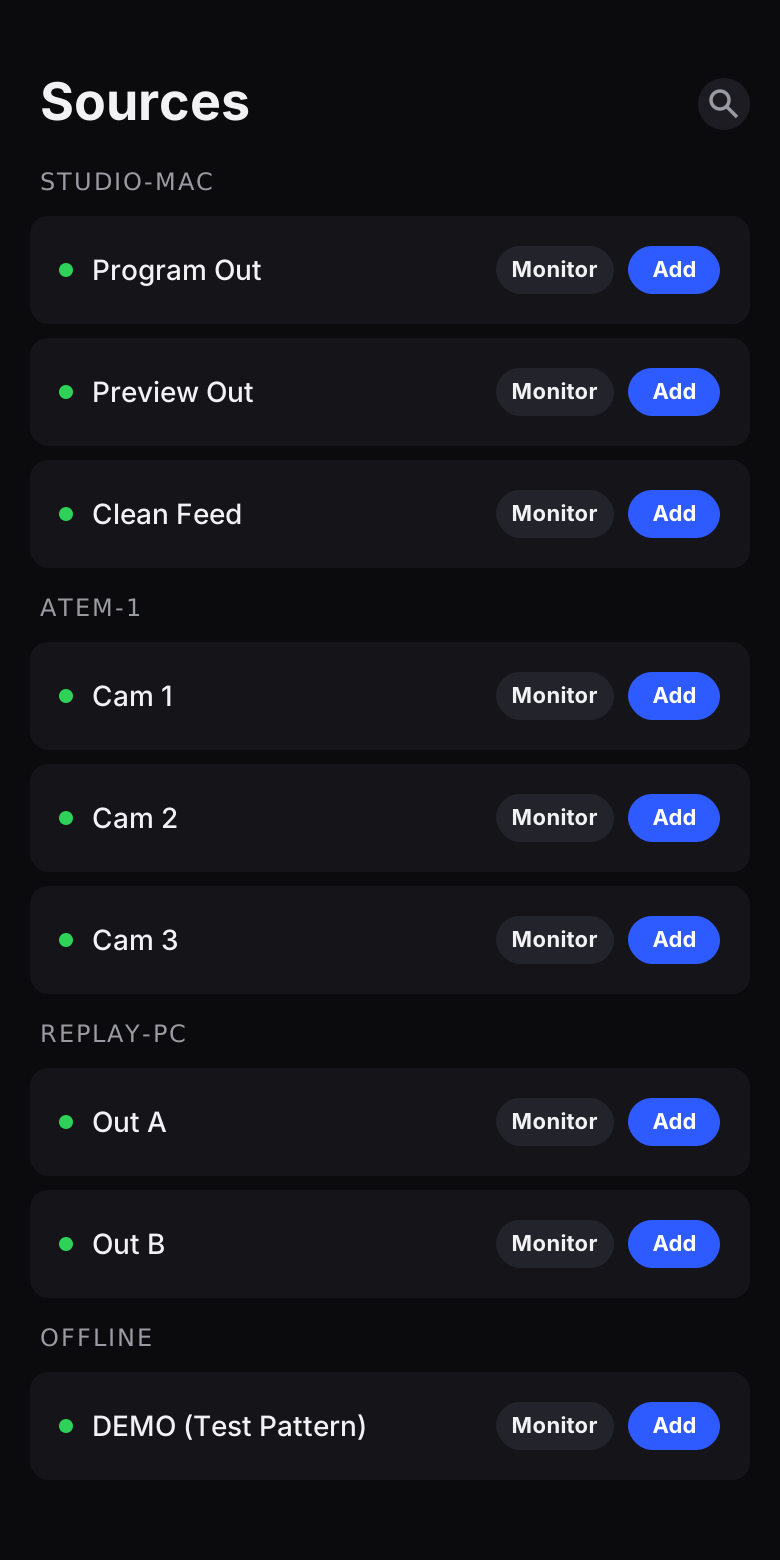
No. On a normal LAN, sources appear automatically via mDNS with zero setup. On managed broadcast networks that use an NDI Discovery Server, add its address in Settings — multiple servers are supported for redundancy.
Single-source full-screen monitoring is free forever — full bandwidth, zoom, stats and audio included. Multiview comes with 30 minutes of free use so you can try every layout; after that, unlimited multiview requires the Pro subscription (9.99 €/month on the German storefront).
Yes. NDI MViewer is a Universal Purchase — subscribe once with your Apple ID and Pro is unlocked on all your devices across iOS, iPadOS and macOS.
Directly with Apple, anytime: App Store → your account → Subscriptions. The subscription auto-renews monthly until you cancel; there is no separate account with us and no lock-in.
Get it
iPhone & iPad (iOS 16+) · Mac (macOS 13+) · English & German